
You’ve probably typed “app” a hundred times this week and “application” maybe twice, and never once thought about why. Most people don’t. We say “download the app,” never “download the application,” and yet job postings ask for “application developers,” not “app developers.” Odd, right? Even Merriam-Webster now lists “app” as its own entry, separate from “application,” which tells you the split is real and not just a casual habit. There’s a reason for that gap, and it’s worth ten minutes of your time if you’ve ever paused mid-sentence wondering whether you’re using the right word.
This post breaks down the difference between app and application in plain terms, no jargon, no fluff, just the actual distinction (and where that distinction quietly falls apart).
What is an App?
An app, short for application, is usually a small, focused piece of software built for one job. Think of the icon you tap on your phone: a weather app, a calculator, an alarm clock, Instagram. It does one thing, sometimes two, and it does them fast. Apps live mostly on phones and tablets, though the word has crept into browser extensions and smartwatch tools too.
Here’s the thing nobody tells you: “app” isn’t really a technical term. It’s a nickname. It caught on because “application” is a mouthful, and Apple’s App Store cemented it into everyday vocabulary back in 2008. Before that, people just said “program.”
What is an Application?
An application is the broader, older term. It refers to any software designed to help a user accomplish a task; it could be a spreadsheet program, a payroll system, a video editor, or an entire enterprise platform running on a company’s servers. Applications can be small or massive. Microsoft Word is an application. So is the software that runs a hospital’s patient records. So, technically, is your calculator app.
Applications tend to carry more weight, more complexity, and often more permanence. Nobody calls SAP or Oracle’s ERP suite an “app.” That would sound off. You’d never hear an accountant say “let me open my accounting app” in a boardroom; they’d say application, or just call it by name.
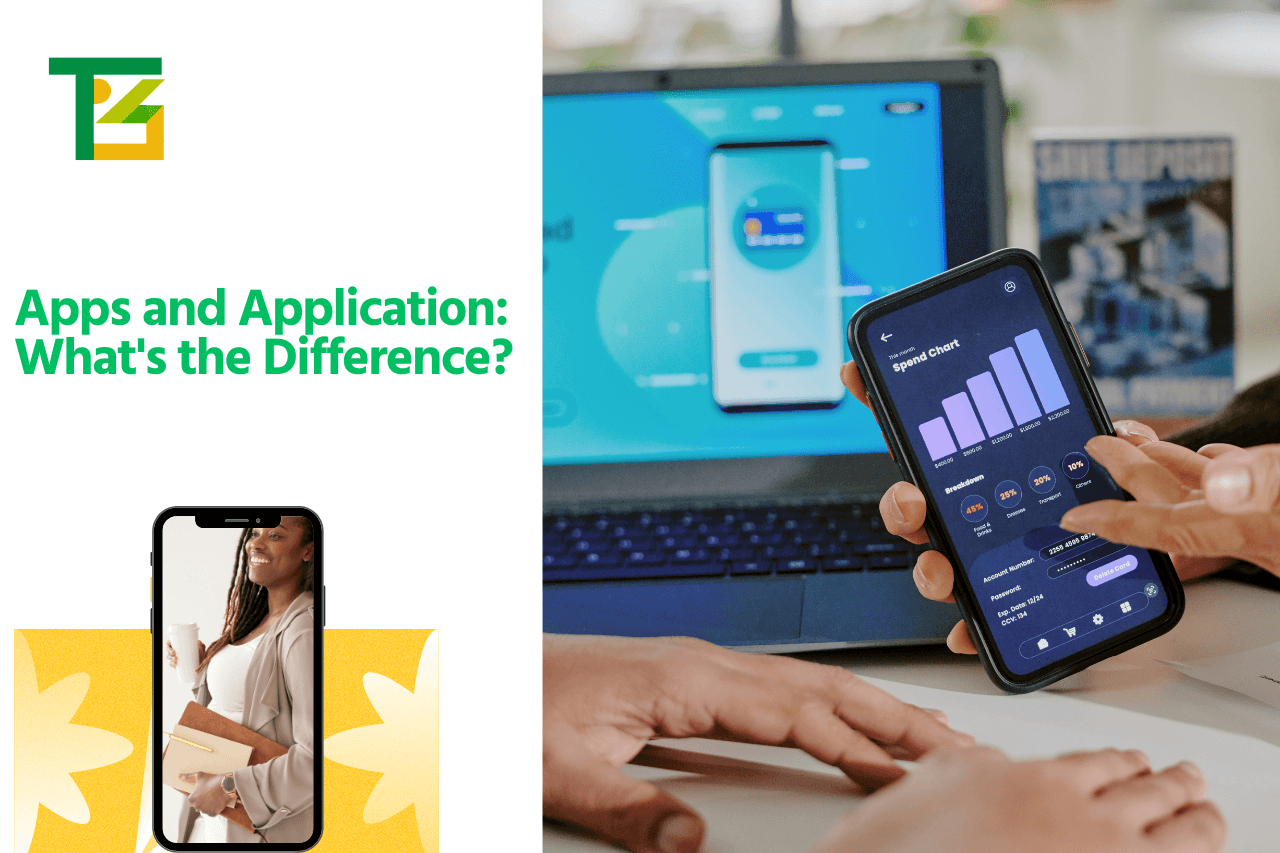
Apps and Application: What’s the Difference?
Okay, here’s the core of it. The difference between apps and applications isn’t really about function; it’s about scale, platform, and how casually the word gets used.
An app is almost always mobile-first, lightweight, single-purpose, and downloaded from a store. An application is the umbrella category; it includes apps, but also desktop software, web-based platforms, and large enterprise systems. So every app is technically an application, but not every application earns the “app” label in everyday speech.
If someone asks what is the difference between an app and an application, the short answer is: size and context. A note-taking tool on your phone is an app. The same note-taking software running as a full desktop suite with dozens of features is, more naturally, an application. Same category of software, different weight class.
| Basis | App | Application |
|---|---|---|
| Meaning | Short form of “application” | The full, original term for software |
| Size | Small, lightweight | Can range from small to very large |
| Purpose | Usually one specific task | Can handle multiple tasks or workflows |
| Platform | Mostly mobile (iOS, Android) | Desktop, web, mobile, or enterprise servers |
| Where it’s found | App Store, Google Play | Installed software, browsers, internal company systems |
| Complexity | Simple, quick to use | Often complex, feature-heavy |
| Common examples | Instagram, calculator, weather app | Photoshop, SAP, banking portals |
| Everyday usage | Casual, common in speech | Formal, used more in business/tech contexts |
Types of Apps and Applications
Apps generally fall into three buckets: native apps (built specifically for iOS or Android), web apps (run through a browser but feel app-like), and hybrid apps (a mix of both, built once and deployed everywhere). Games, fitness trackers, ride-hailing tools most of what’s on your home screen fits one of these.
Related Blog: Web App vs Website
Applications, meanwhile, split into desktop applications (installed software like Photoshop or Excel), web applications (Gmail, online banking portals), and enterprise applications (the big internal systems businesses run on, HR software, CRMs, inventory management). This is where mobile apps and applications start to look less like two separate worlds and more like two ends of the same spectrum.
Apps vs Applications: Examples
Let’s make this concrete, because definitions only get you so far.
- WhatsApp: an app. Small, mobile, single job (messaging).
- Google Chrome on your desktop: an application. Runs as full software on your computer.
- Spotify’s phone version: an app. Spotify’s desktop client, usually still called an app, honestly, because the industry blurs this constantly.
SAP, QuickBooks Enterprise, hospital management software applications. Nobody’s shrinking these down to “app.”
A cleaner difference between app and application with an example: your phone’s camera app takes photos in two taps. Adobe Lightroom, the full editing application on your laptop, lets you retouch, batch-process, and export hundreds of images with layered adjustments. Same general category, photo software, completely different scale.
Are All Apps Applications?
Yes, technically. Every app is a type of application because “app” is just shorthand for “application.” But not every application is an app. A payroll system that runs on a company’s internal servers, accessed only by HR through a browser login, is an application — nobody would casually call it an app, even though by definition it qualifies.
This is honestly where a lot of the confusion between the terms comes from. The relationship is one-directional. App → application, always true. Application → app, only sometimes.
How to Choose the Right App or Application
If you’re a business trying to decide what to build, the deciding factor isn’t the label it’s what your users actually need. Want something people open on their phone for two minutes a day, check-in style? Build an app. Need something with heavy data processing, multiple user roles, and complex workflows that people sit down and work in for hours? You probably need a full application, likely web-based or desktop.
Cost and maintenance matter here too. Apps typically need updates pushed through app stores, which adds review time and platform rules to deal with. Applications, especially web-based ones, can be updated instantly on the backend without asking users to download anything. Neither is “better”; it depends entirely on the use case.
Also Read: Banking App Development
Conclusion
At the end of the day, the difference between apps and applications is mostly about scale and setting, not some rigid technical line drawn in a textbook. Apps are the compact, mobile-friendly cousins of the much broader application family. Once you see it that way, the terms stop feeling confusing and start feeling like common sense, you already knew this, you just never had the words for it.
FAQs
What is the difference between an app and an application?
An app is a smaller, usually mobile, single-purpose piece of software. An application is the broader term covering all software, including apps, desktop programs, and large enterprise systems.
What is the difference between app and application in one line?
Every app is an application, but not every application is called an app, it comes down to size, platform, and how people talk about it.
Difference between application and app, does it really matter?
Not for daily conversation, no. But in business or development contexts, using the right term helps set expectations around scope, cost, and platform.
Are mobile apps and applications the same thing?
Mobile apps are a subset of applications, specifically the kind built for phones and tablets. Applications is the wider category that also includes desktop and web-based software.
Can a web tool be both an app and an application?
Yes. Plenty of web tools get called “apps” casually (think Trello, Notion) even though, structurally, they’re web applications running in a browser.